
Settings - Screentime - Content & Restrictions. is the toggle ON bro?
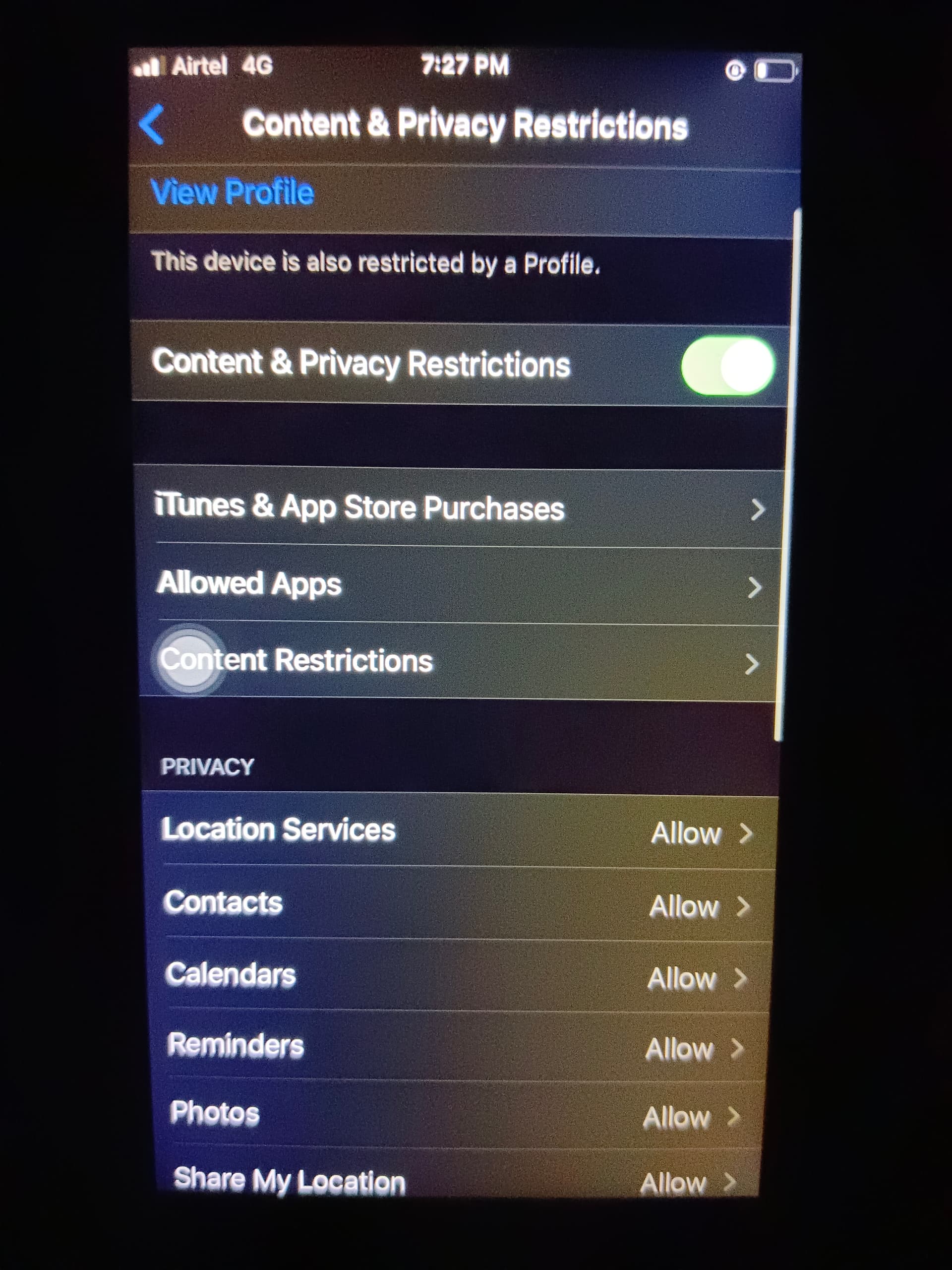
Turn it off then restart once and check for software update bro.
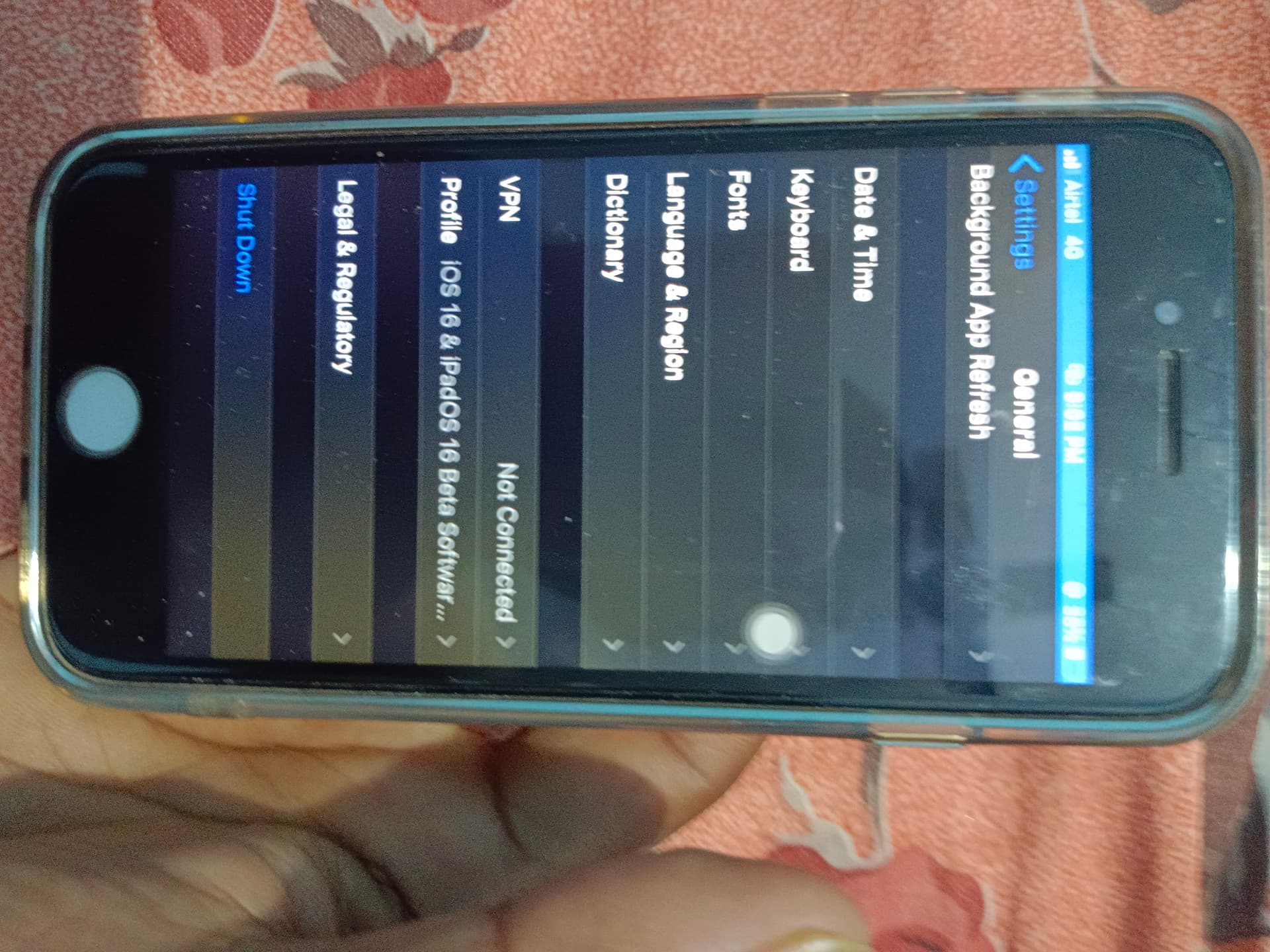
your current iOS version? also turn off screen time feature completely and then check bro.
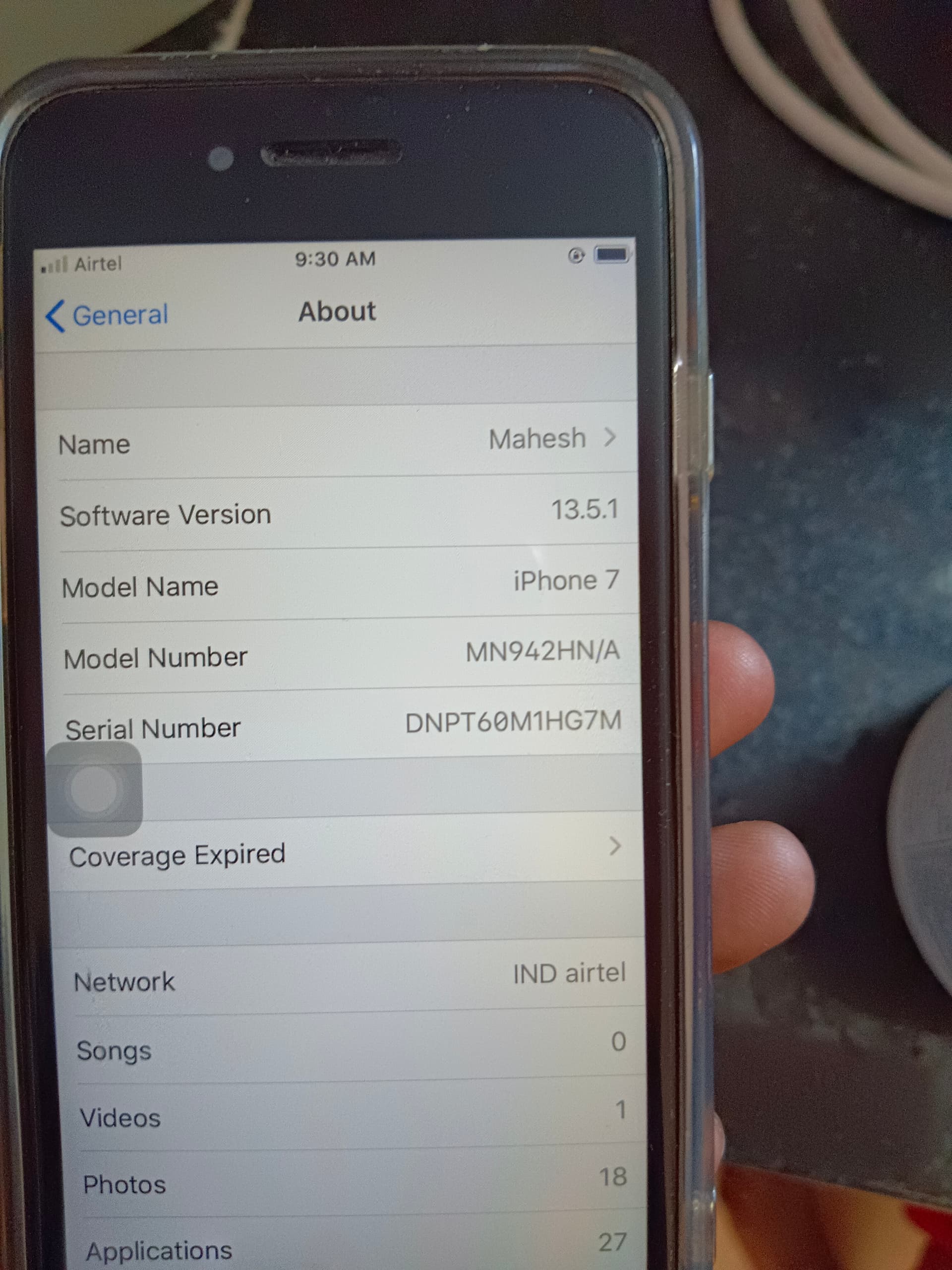
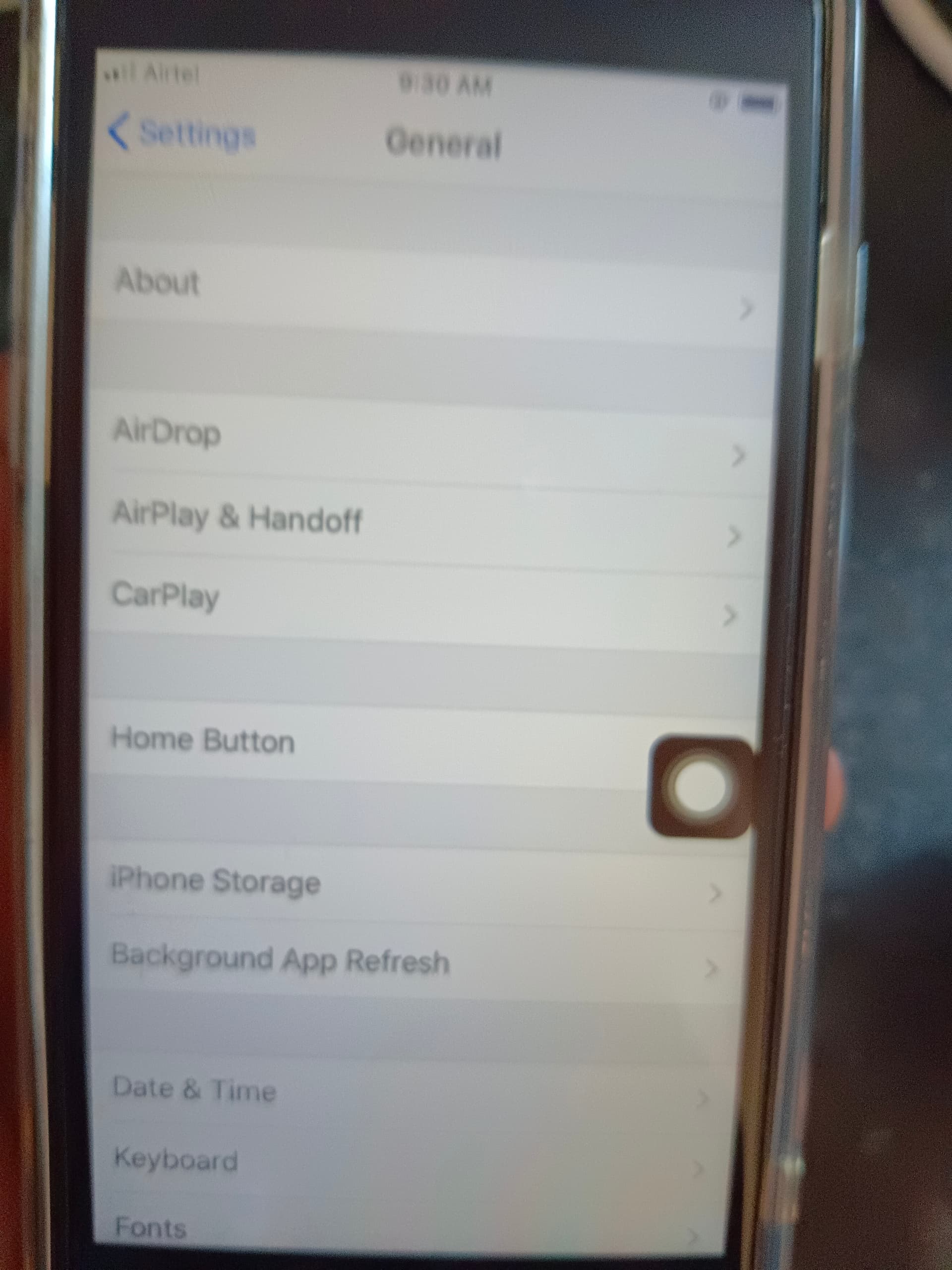
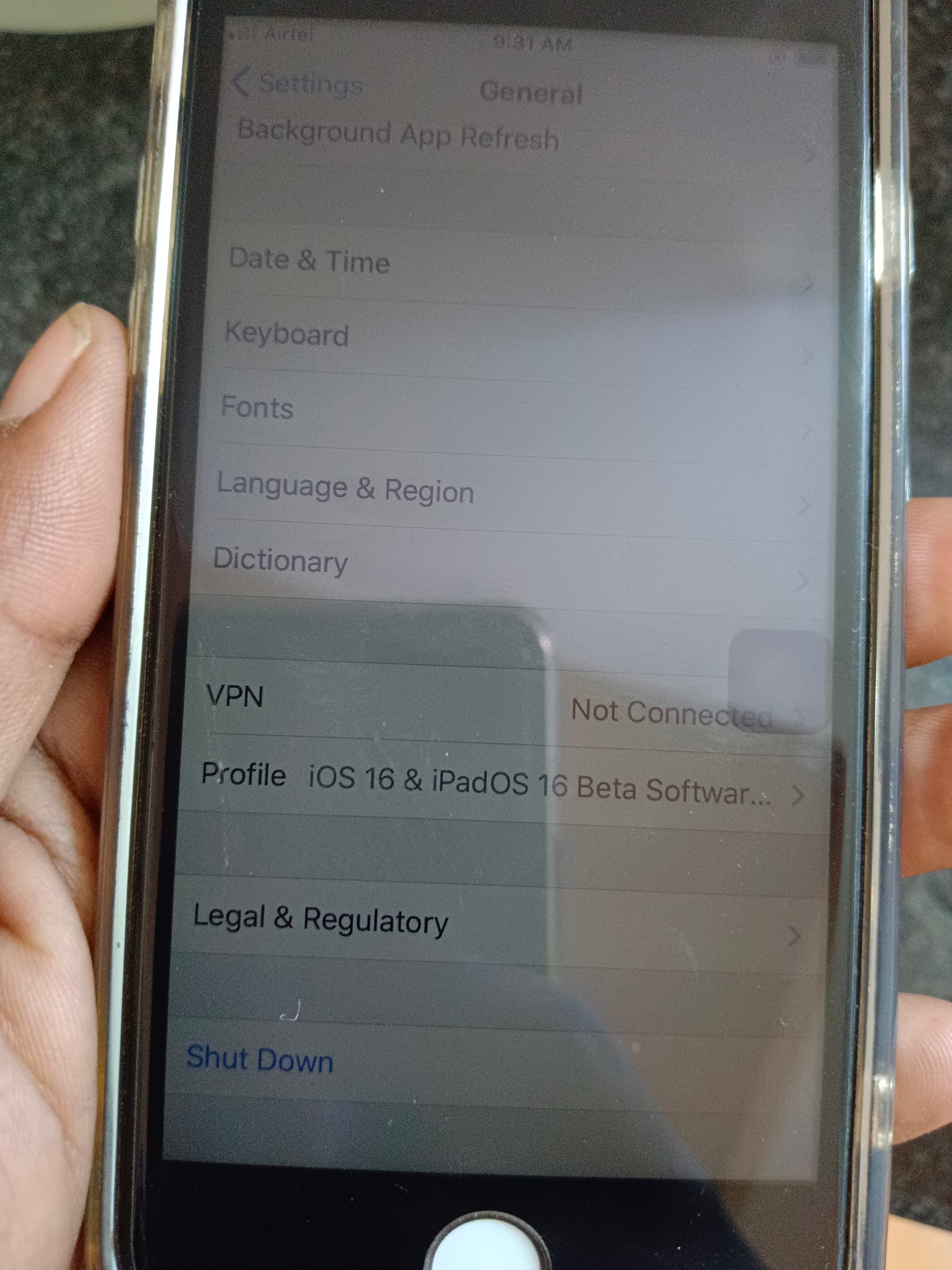
Beta Profile install pannirukeenga but install panalainga. and iOS 13 version la irukeenga. go inside settings - general - Profile section bro. remove all the profiles installed. restart iPhone once and then check for update.
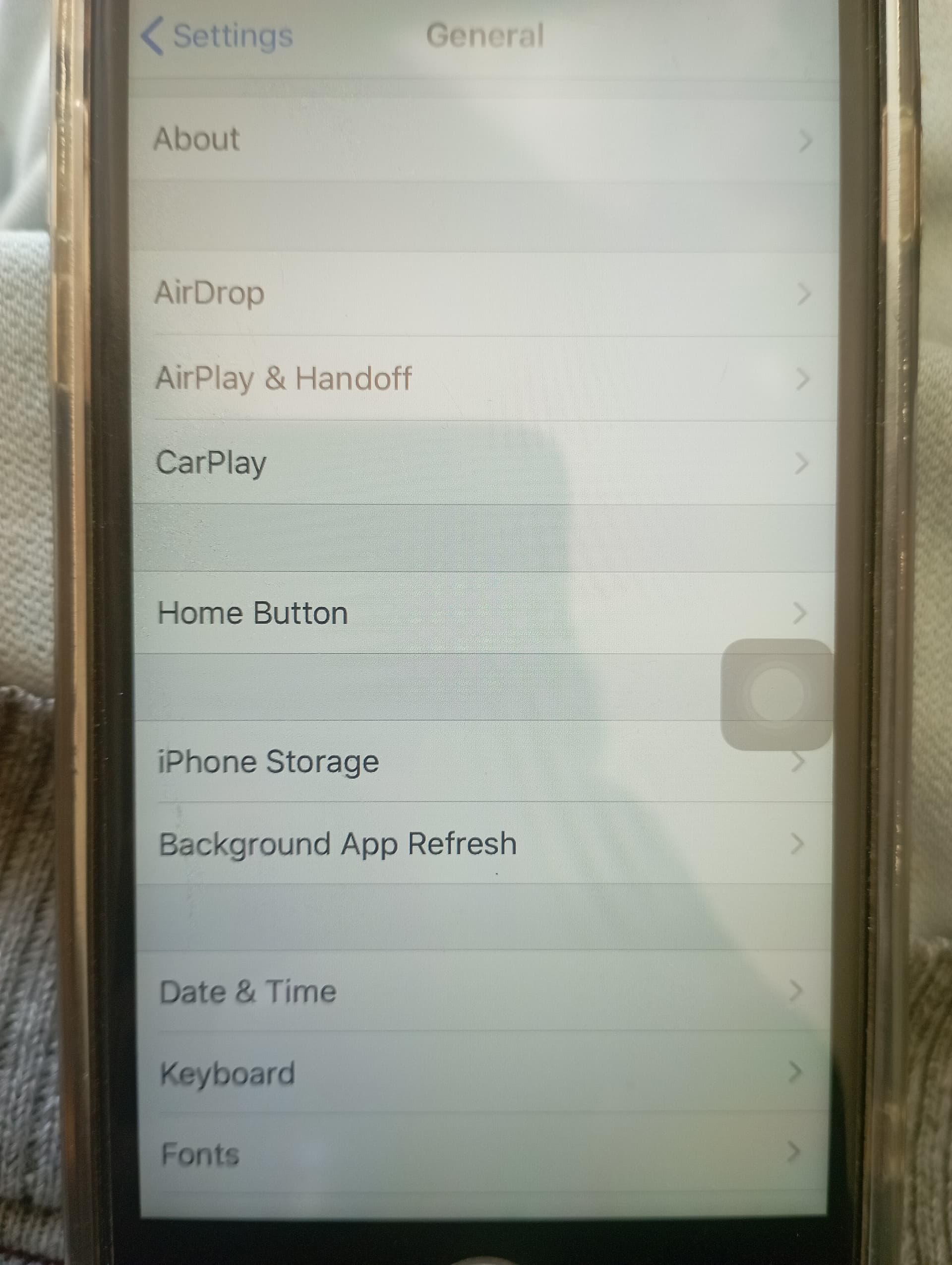
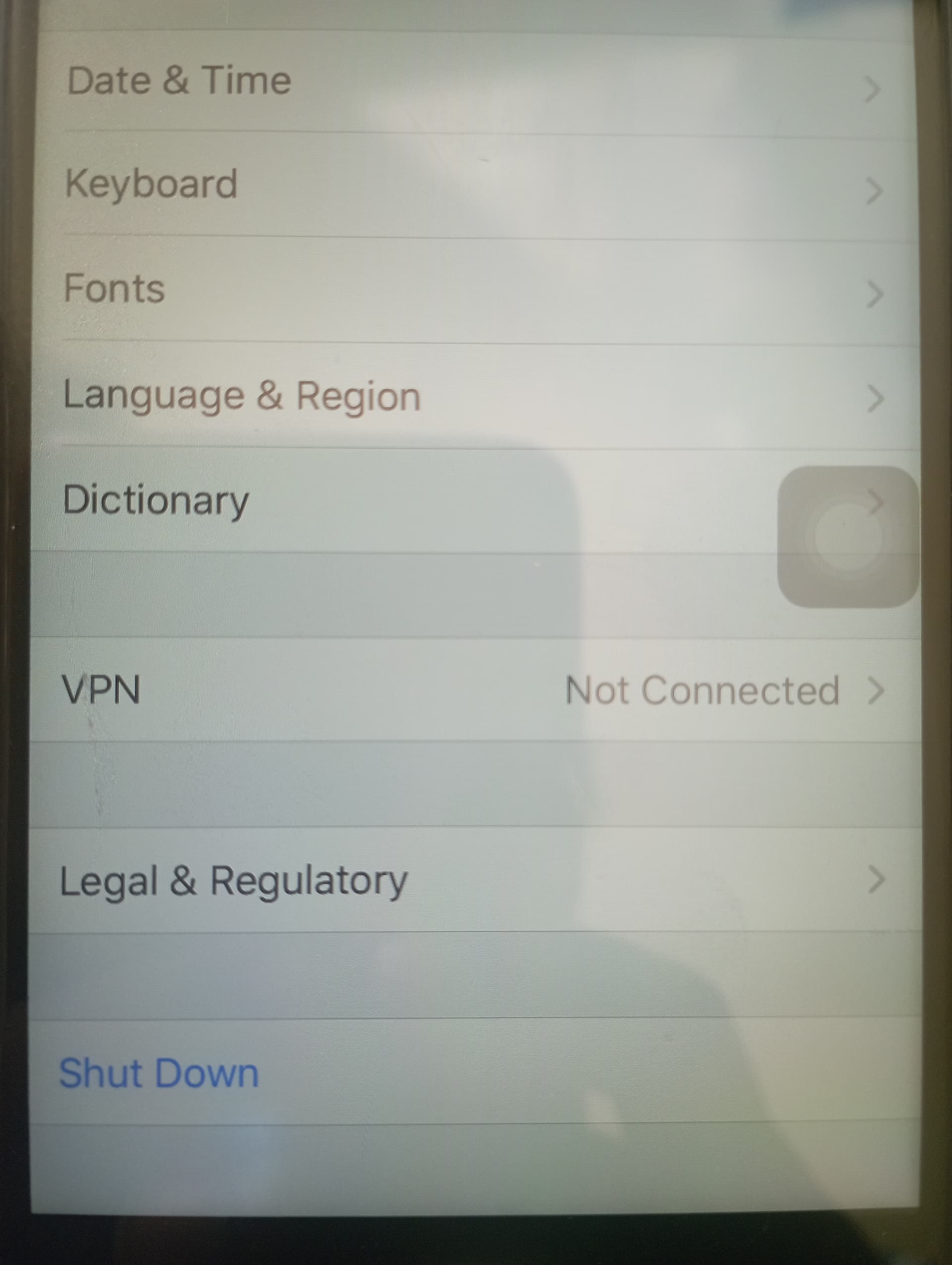
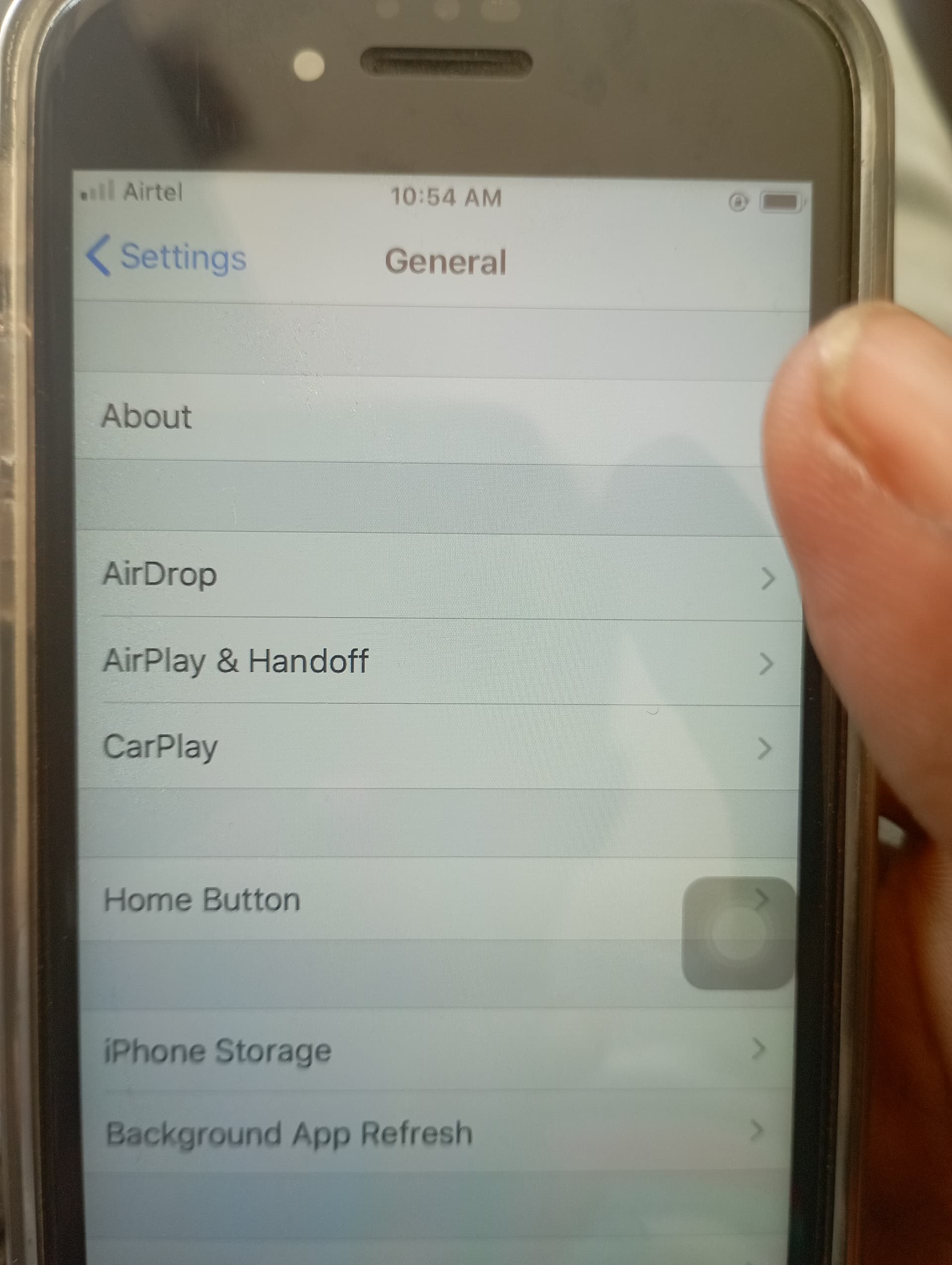
actually this problem already discussed bro. within settings - general - profiles section screenshot post pannunga.
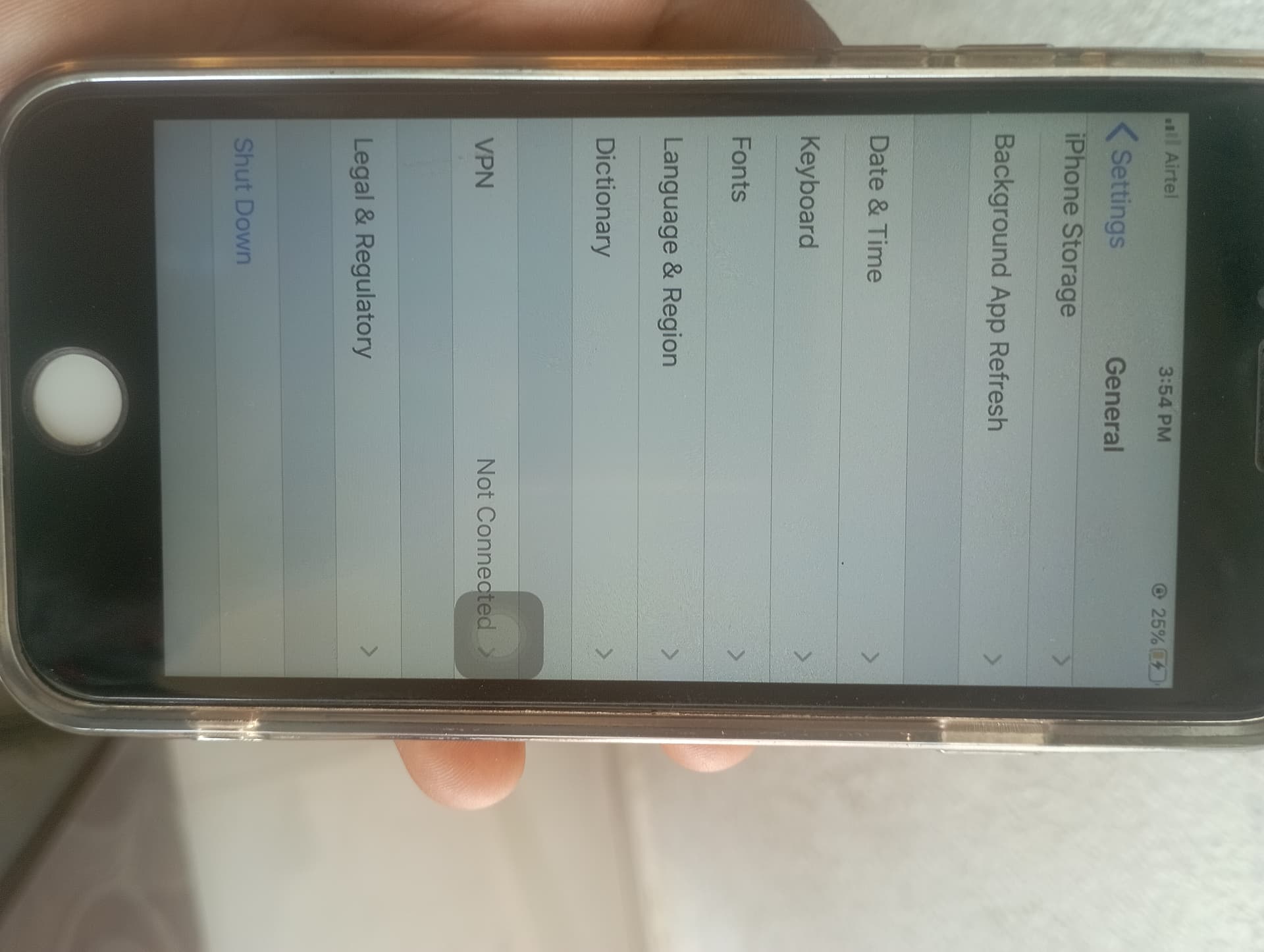
in 6th photo you have shared, we can see Profile section visible under general settings bro. Better if you can find nearest apple service center, make a visit bro. if a technician can check in person, they will be able to fix it in few minutes.