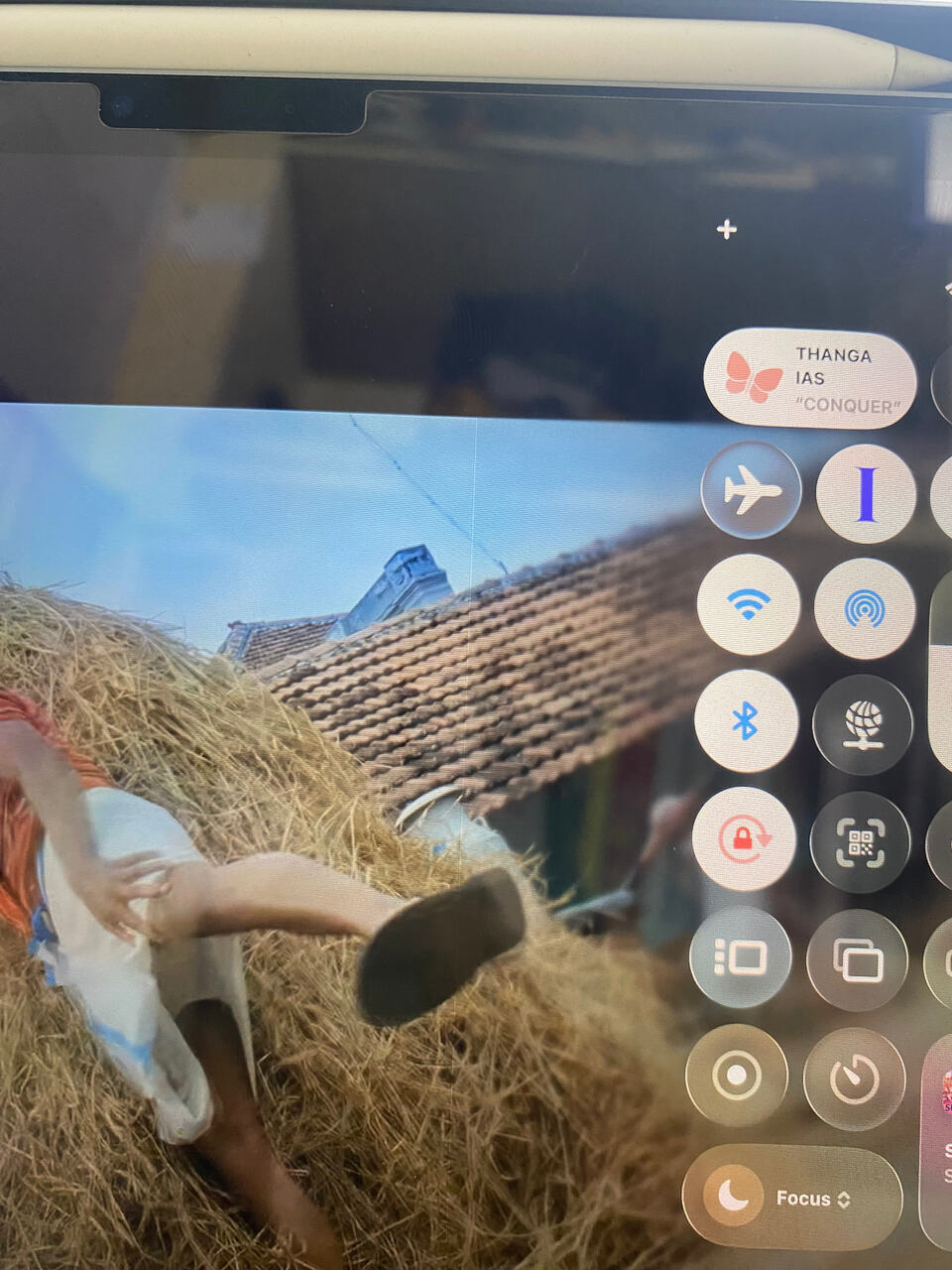
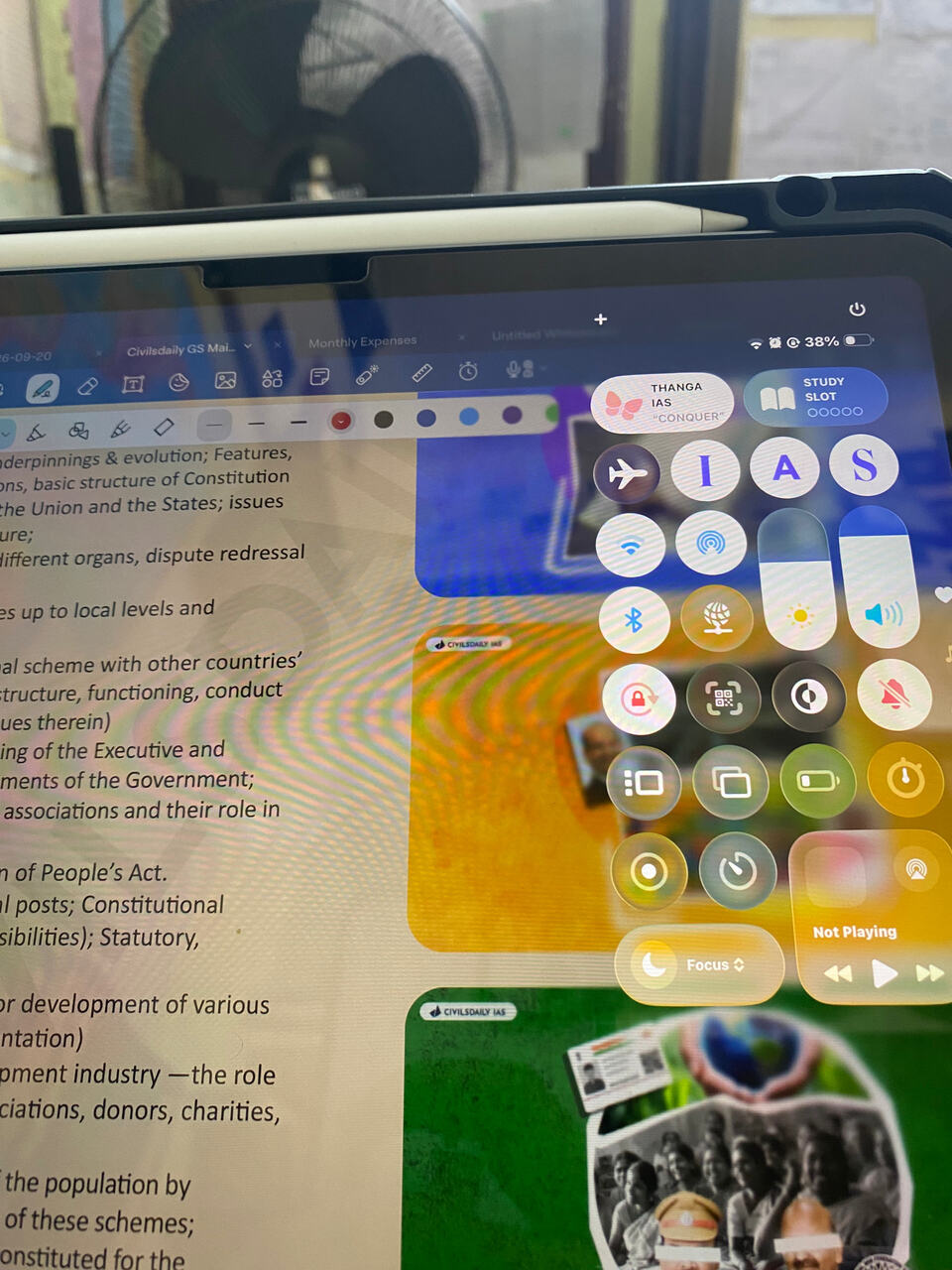
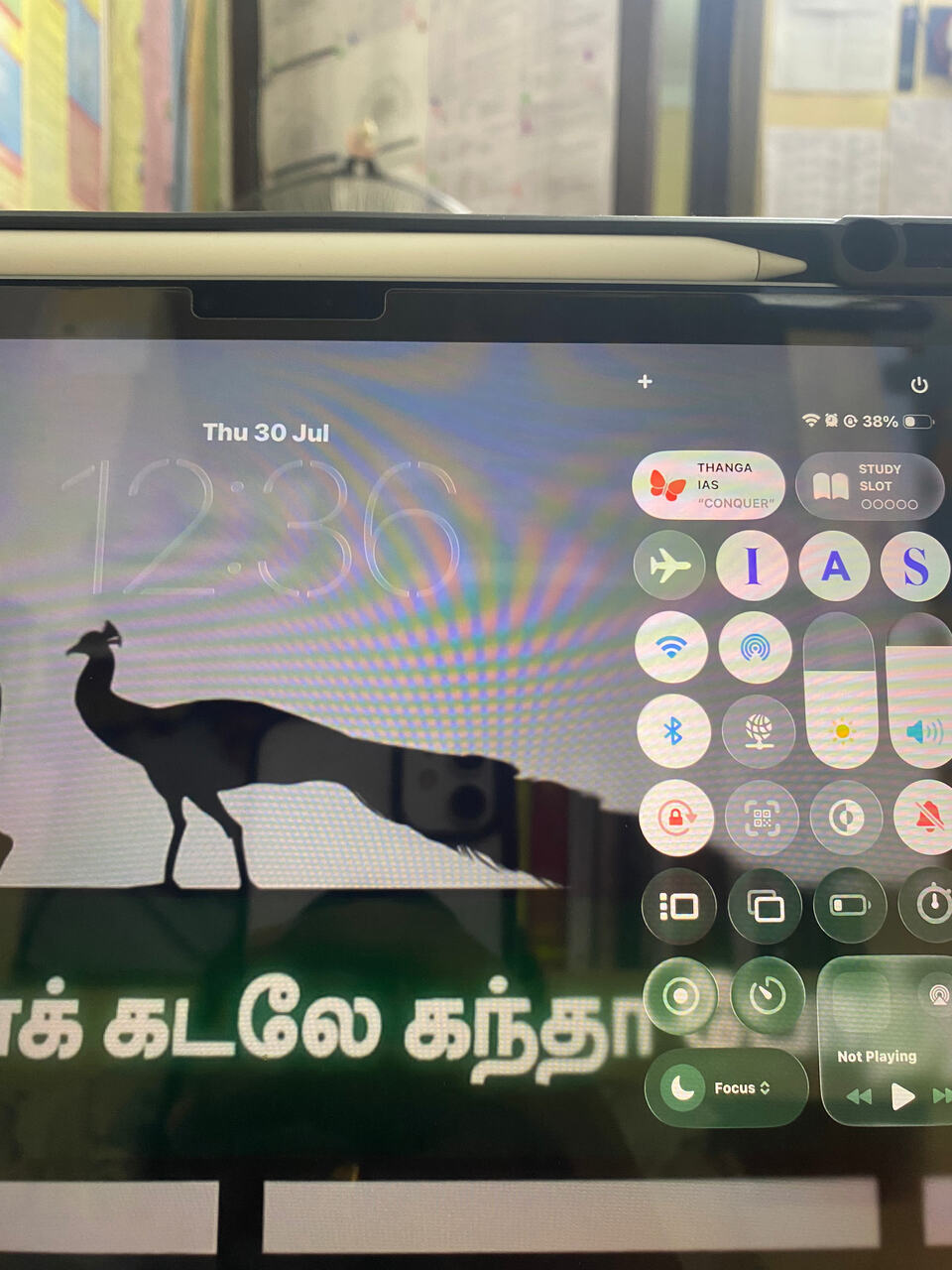
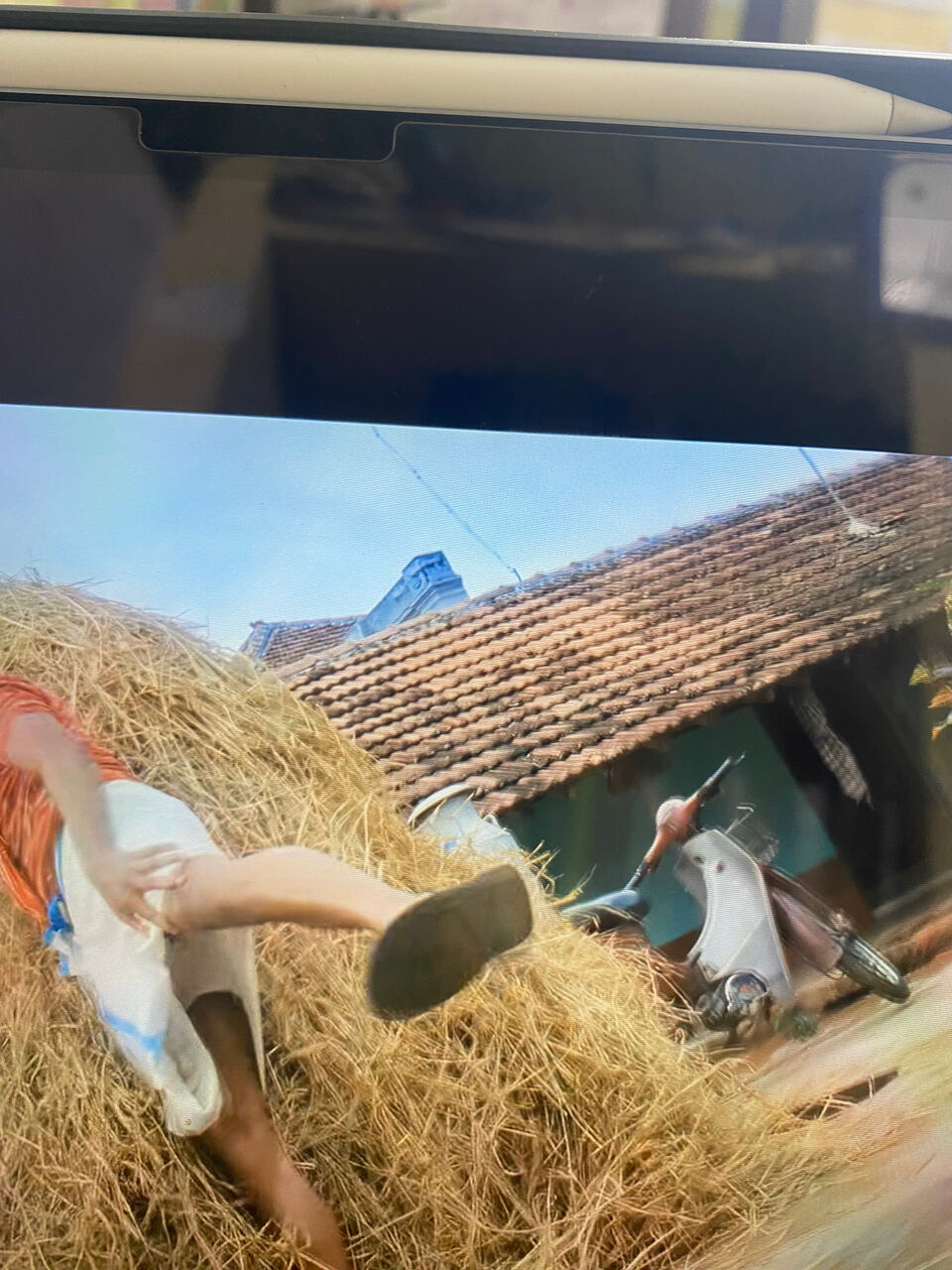
My iPad Air m3 has line when I pull down control menu while playing video ( YouTube, VLC, safari video) .
Screenshot I can’t find any line ,
Hi bro, the line is appearing while playing video or while using any other apps and in homescreen too? Where exactly is the line appearing? In the top center of the screen or right corner? Kindly share some more details for better understanding of the problem.
Video play ( any app or safari) akitu irukum pothu Control centre right side pull down panrapo mattum line varuthu . Portrait and landscape la both la um control centre parallel la left side bro. Line also change bro .Normal Home Screen la illa bro and vera entha app la um illa .Control centre la irunthu 1cm left sir .. screenshot recorded pannitu video play panni control center pull panna antha line illa sir
Small grey line mathiri varuthunu athu normal thaanga. Ios la control center location identify pannurathukaaga intha line vachirukaanga. Once apple showroom la demo ipad la yum check pannidunga. Same line video playback and other times la irukaanu once paarunga.
Ok bro , thanks
1 Like
Bro confirm, Intha ios la tha issue bro … ennoda friend entha ios la tha irukan one month old iPad Air m4 also has same issue.
ok bro. ethukum once apple service center la check pannidunga. technician inspect pannitu software issue va nu verify panniduvaanga bro. also iPadOS 26.6 update panniteengala? release last week?
Yes bro after that also it continue, exact same place same lime occurred on both iPads .. in my room 6 iPad Air we use but my friend new iPad and me ( I update till last version) has only issue.. other iPad has no issue
If it is software issue, then don’t worry, bro. It will be fixed in upcoming updates but just to confirm that it is a software issue. You can check once when you visit the nearest Apple service centre, not urgent, but if it is not bothering you much, you can take time and check later as the issue appears on all the other iPads, high chances that it is not a hardware issue